Reports Dashboard
The dashboard allows you to view up to four graphical reports at once. Users with the Reporting permission in their Security Profile can view the reports dashboard.
To view the reports dashboard click the  navigation icon. The Dashboard tab displays containing four configurable panels where reports can be displayed.
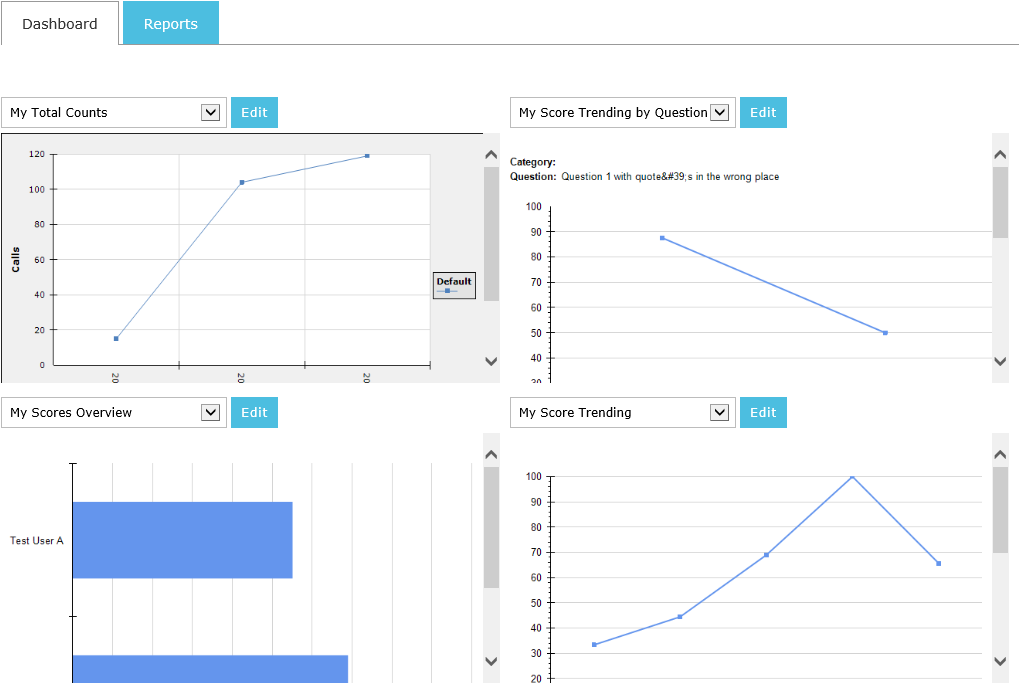
To configure your dashboard, complete the following steps.
-
Before using the dashboard, you will need to create one or more saved reports to be displayed.
-
For each of the four report panels, you can select which saved report to display, or select that No Report is displayed in that panel.
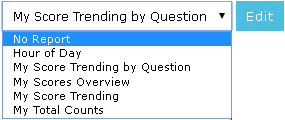
You can easily drill down from a report on the Dashboard page to the Reporting page for a displayed report. To view a displayed report from the Dashboard page click the Edit button beside the report selection drop down.
See Also: