Editing Desktop Agent Deployment Profiles
Users with the Change System Settings permission in their Security Profile can edit Desktop Agent deployment profiles.
To edit a deployment profile click the  navigation icon and then click the Desktop Agents link from the administration sub-menu. The Desktop Agents tab displays containing the list of deployment profiles. To edit a deployment profile, complete the following steps:
-
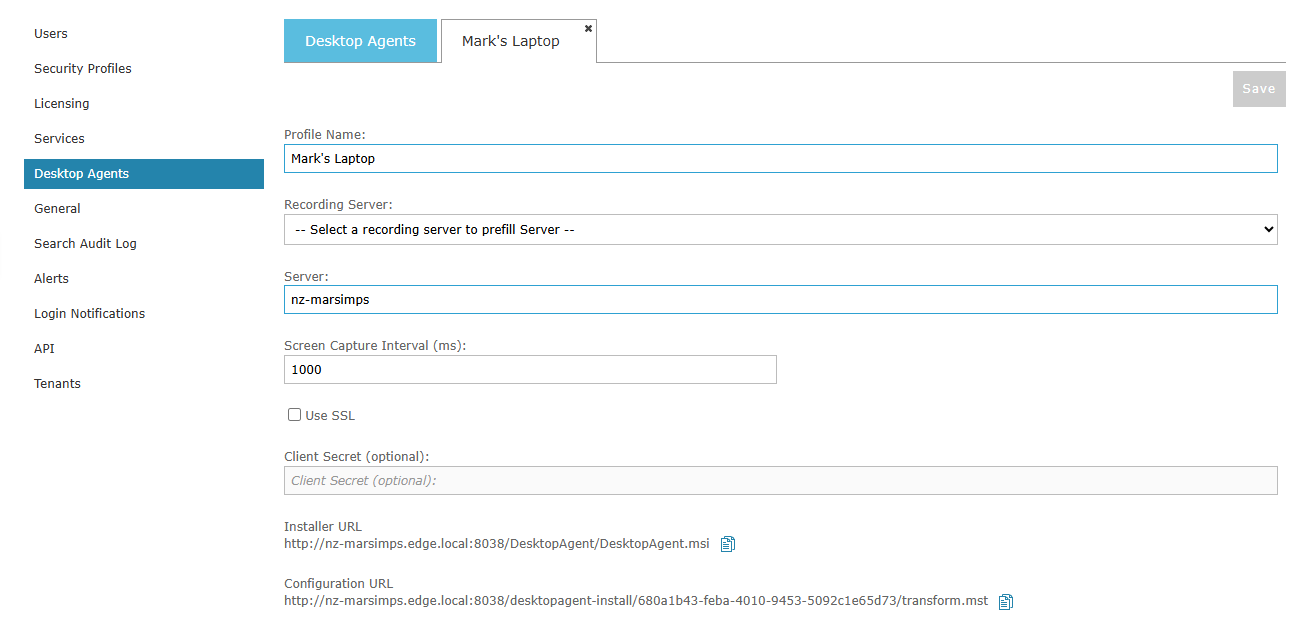
Click the edit (pencil) icon at the end of the profile’s row. The profile opens in a new tab.
-
Change the settings as required. The settings are the same as those described in Adding Desktop Agent Deployment Profiles.
-
The Installer URL and Configuration URL for the profile are displayed on the tab. Click the copy icon next to a link to copy it to the clipboard.
-
Click the Save button.
|
Changing a profile does not affect Desktop Agents that have already been installed. A profile only provides the settings used when the Desktop Agent is installed. |
See Also: