Searching Transcriptions
After QMS and the transcription engine are properly setup and configured, the system is ready to create transcriptions. Transcriptions that are automatically created through a call profile will not immediately appear on the search recordings page in the client. These will only be available after the transcription is complete, which will lag several minutes behind when the call is created. Once a transcription is completed, the icon will change from a normal call icon to a transcribed call icon.
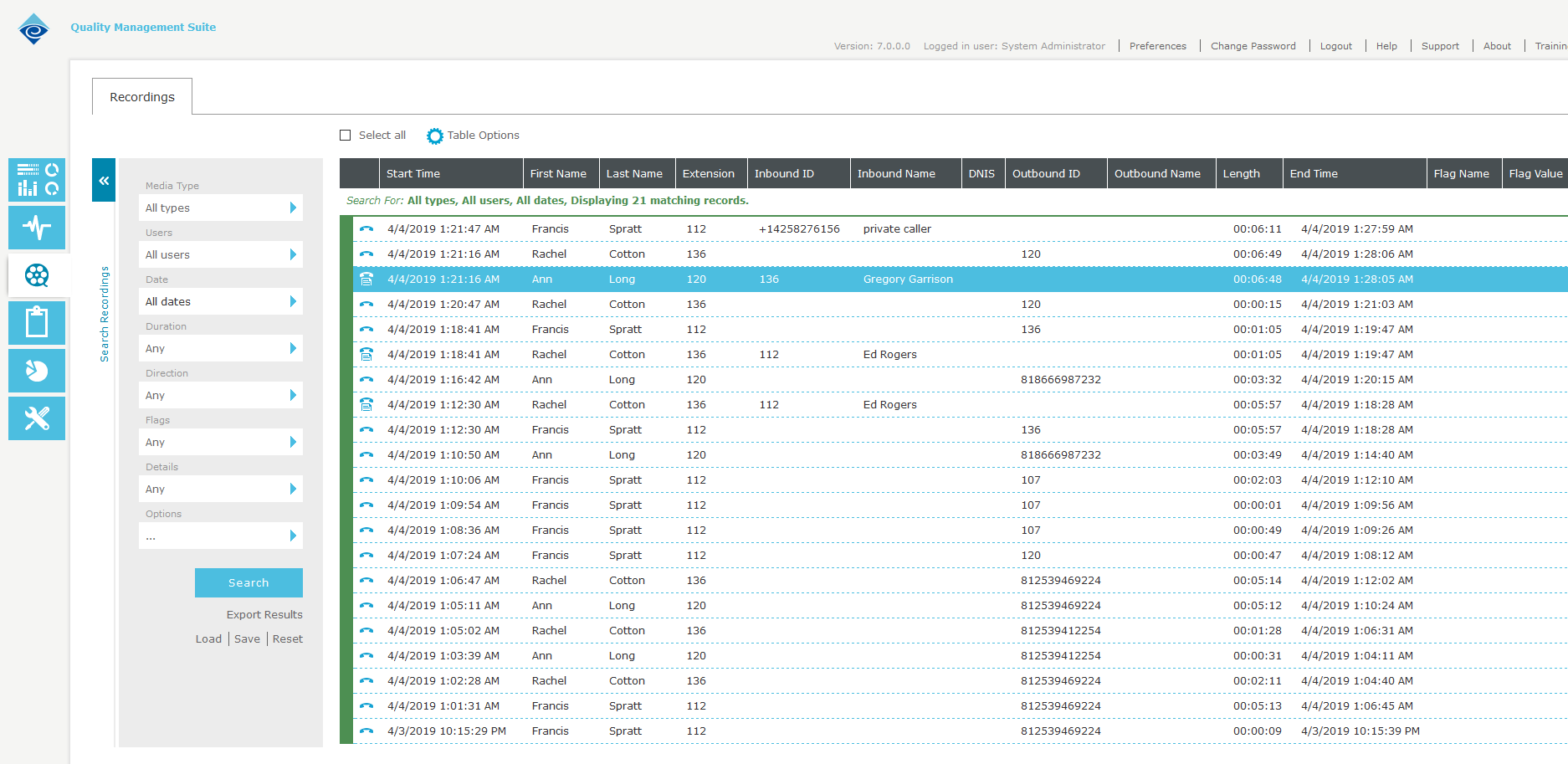
Figure 11: Recording Search with Transcribed Calls