Login Notifications Popup
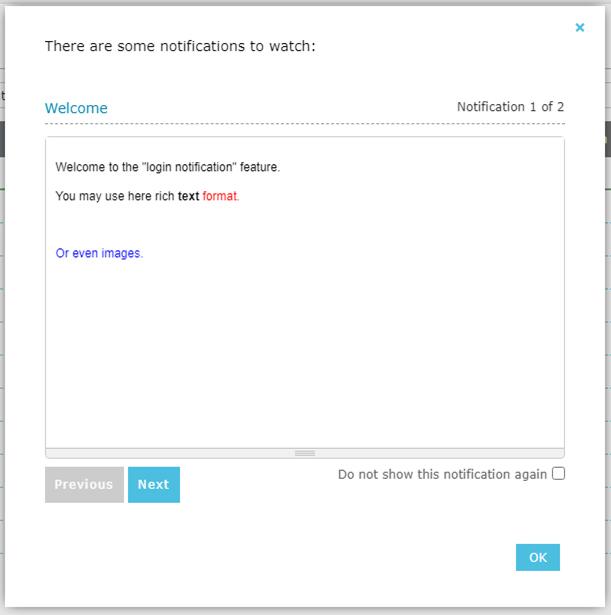
When a user logs into QMS, if there are notifications to be seen, a popup window will appear:
-
Previous and Next buttons will be enabled if more then one notification is shown.
-
If a notification is configured to be displayed until the user discards it, a check box "Do not show this notification again" will appear. If checked, the notification will not be presented again to this user.
-
Notifications will be considered "seen by the user" (except "display always" notifications) only after the OK button is pressed.