Deleting a Notification
To delete a Login Notification, click the navigation  icon and then click the Login Notifications link from the administration sub-menu.
From the notification list, select the required Notification and press the delete button  . This will to delete the notification (also deletes system notification).
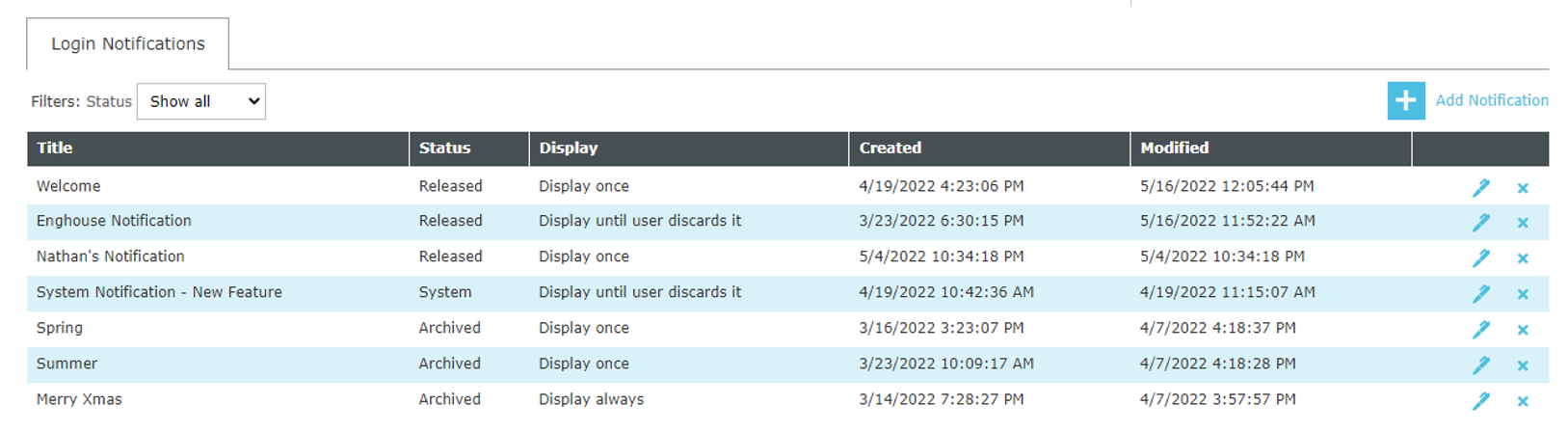
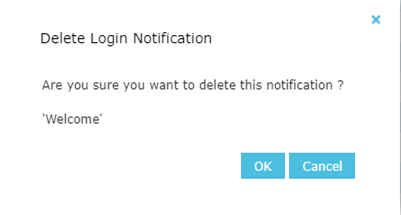
A dialog will appear so the delete operation can be confirmed by the user:
See Also: