Step 14.17 – Verify Replication
Once all of this is completed, the replication should be setup. To verify that everything is connected and running as it should, open the Replication Monitor by navigating in Management Studio to Replication → Local Publications, and right click the QMSPublication. Select Launch Replication Monitor and you should get a window similar to the following:
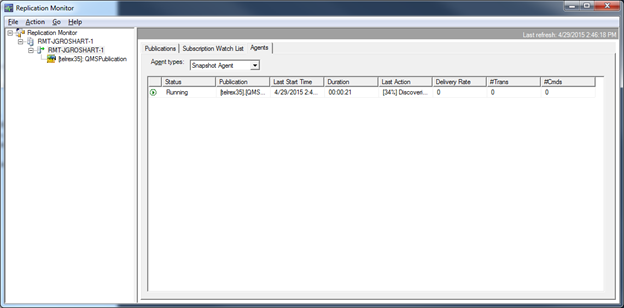
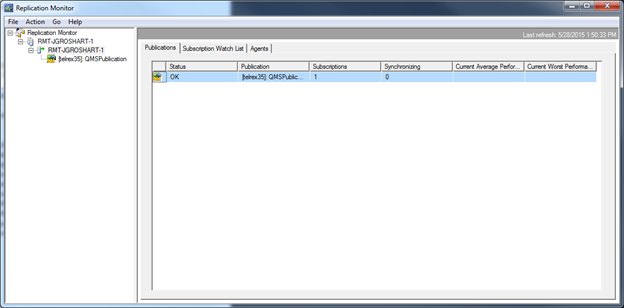
You should see the Snapshot Agent as either Running or completed. If there’s an error, it will show that here. The publications tab should also indicate an OK status:
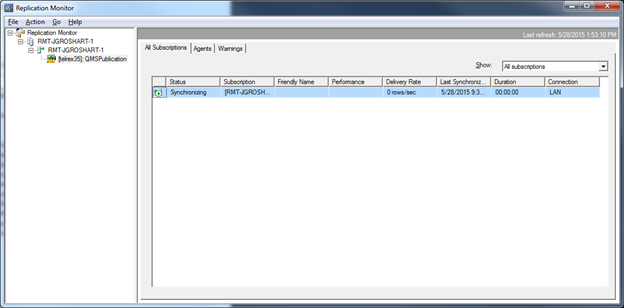
Next expand the publication and select the QMS Publication. It should indicate an All Subscritions tab that should show a status of Synchronizing. If it shows uninitialized, simply right click and select Start Synchronization. This will kick off the replication. What for the synchronization period to complete and it should indicate Synchronizing. If there are any errors, those details will also appear here. The screen should look like:
That should complete the Replication setup and your QMS databases should be ready to use the replication.