Call Recording Profile Configuration
If calls should be transcribed automatically once the call completes, then transcription should be enabled within the appropriate Call Recording Profile. Within the Call Recording Profile, there is a Transcription Settings section. To turn on transcription for this profile check the Enable Transcription box, select a language to use, and save the profile.
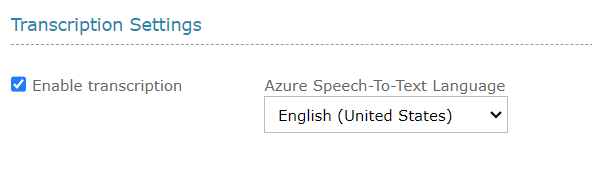
Figure 32: Call Recording Profile Transcription Settings
When transcription is enabled within a Call Recording Profile, when a call starts for a user who is in that profile, part of the evaluation of whether the call is recorded will also indicate whether the call is transcribed. If transcription is enabled, the recording is marked for transcription. Once the call completes, QMS will process the recording to create the call recording media. It will also create the .wav media needed for transcription and send the request to the Azure Speech-to-Text service.