Installation
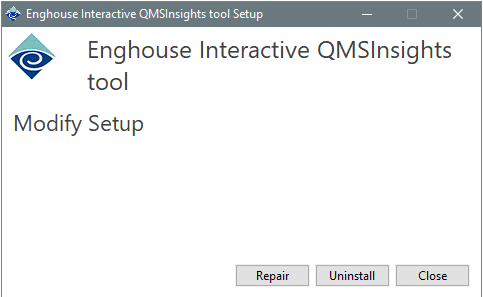
To install the QMSInsightsTool, complete the following steps.
-
Find and run the QMSInsightsToolSetup.exe in the installers folder
-
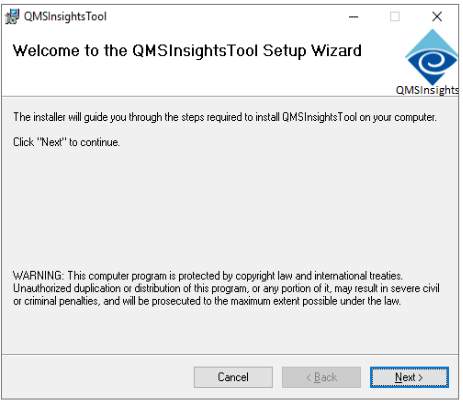
The Welcome page will display. Click Next to proceed with installation or Cancel to exit.
-
The Destination Folder view will display. Accept the default installation folder, manually type in a different folder, or click the Change… button to select a different folder. Click Next to proceed with installation or Cancel to exit.
-
When the installation completes, the Completed… page will display. Click Finish to close the installer.