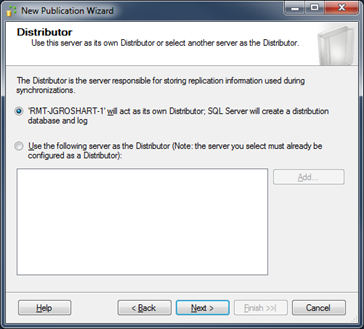
Step 14.2 – Publication Wizard: Setup the Distributor
Click Next to move to the Distributor setup page. This will only show the first time you setup the Distributor for the SQL Server. If a Distributor has been setup previously, then skip to the next step. The Distributor database is what maintains an account of what information has changed on what server. In some installations, it is best to have the Distributor located on a separate server, but in this install, the primary server acts as its own Distributor. Simply select the first radio button and click next: