Step 9 – Make Domain Qualified User Owner of QMS Database
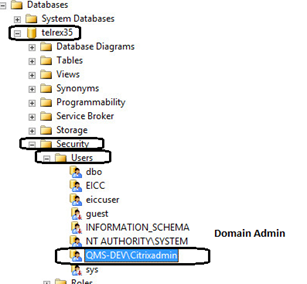
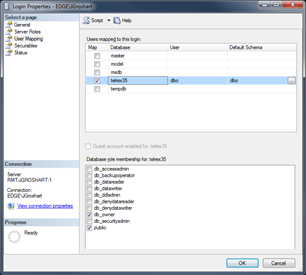
Open SQL Server Management Studio and follow these steps for the Primary and Secondary Server instance. Expand the telrex35 database. Expand Security and Users. Select the Domain Admin user that will be used for this deployment. Right-Click the user and select properties. Under Membership, ensure that the db_owner is selected.